

In the endgame, WoW becomes hard to play without addons, especially for new players. You can level, finish the story, and run some dungeons just fine. But once you step into Mythic+, raids, or PvP, the default UI starts falling apart.
There’s too much happening at once. Cooldowns, mechanics, interrupts, team status… trying to track all of it without any help quickly becomes overwhelming.
That’s when addons start to feel necessary. They won’t fix your gameplay or magically increase your damage. It’s about understanding and control. What’s the point of your burst if your opponent has cooldowns, or a boss is about to phase?
It might not be obvious which addons you actually need. Many of them overlap in functionality, and each comes with its own setup, options, and quirks. Installing a bunch of addons without really understanding what they do quickly becomes overwhelming.
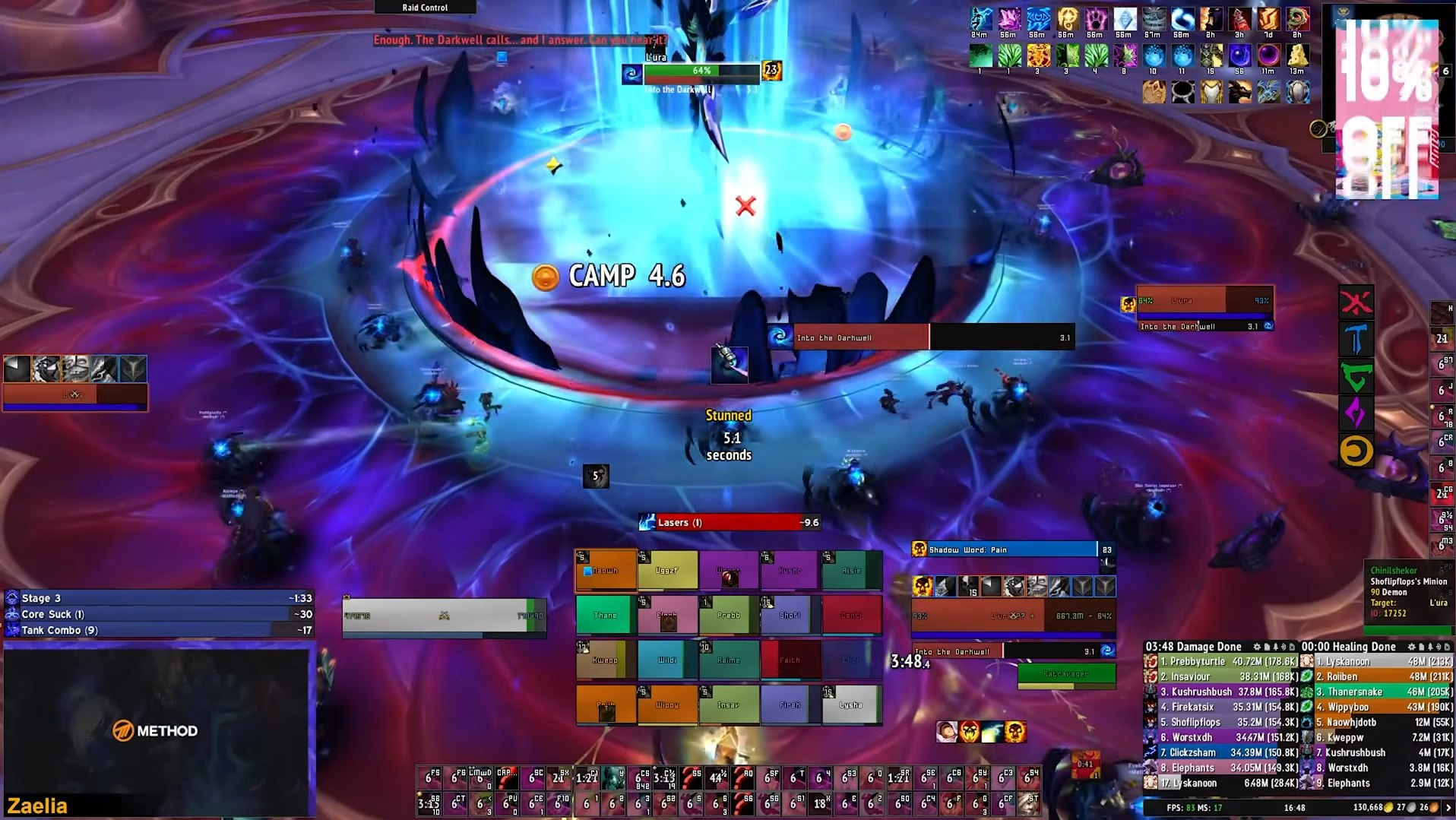
This is even more relevant now during Midnight, since Blizzard has reworked what addons are allowed to do in combat. Addons are not going away, but many of the tools players relied on for years either no longer work the same way or are losing some of the functions that made them so powerful in the first place. That makes it harder to figure out which addons are still worth using.
This article will help you sort through that and pick the addons that actually make sense together.
What Are Addons And How Do They Work?
If you’re not familiar with addons, they are simple tools created by players to improve the interface and make important information easier to see or track during gameplay.
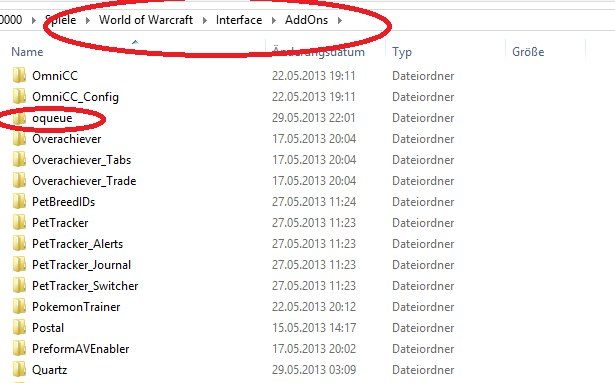
Most addons are downloaded through CurseForge, either manually or via their app, which also handles updates. After installing, they go into your WoW “AddOns” folder and appear in-game the next time you launch it.
You can enable or disable addons at any time from the character selection screen, so it’s easy to try different setups without breaking anything.
Mythic+ Addons
Mythic+ is a timed dungeon mode with scaling difficulty. You run keys, clear within a limit, and move to higher levels. Enemy health, damage, and affixes increase with each level.
So naturally, you’re expected to track all of it at once. Enemy casts, interrupts, cooldowns, affixes, group status — everything happening at the same time.
Gathering the Party
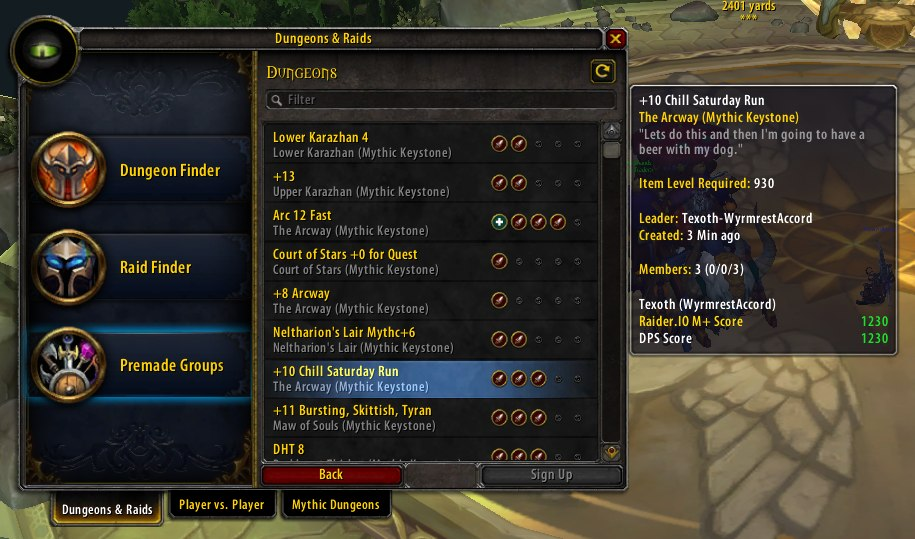
You open the group finder, apply to Mythic+ groups, and don’t get invited, even though your item level matches the key level. In many cases, the reason is your RIO.
RIO (Raider.IO score) is a rating based on your Mythic+ runs. Each completed key adds score depending on the level and result. Higher score means more completed runs at higher levels, and group leaders use it to decide who to invite.
The same applies when you build your own group. You can check other players’ scores, their highest completed keys, and their overall Mythic+ history.
Raider.IO shows this information directly in the group finder and on player tooltips. The website also tracks top runs, spec distribution, and other Mythic+ data.
Inside the Dungeon
For the run itself, the core addons are BigWigs and Deadly Boss Mods (DBM). Both provide timers and warnings for mechanics such as boss abilities, casts, and dungeon events. You don’t need both, they serve the same purpose.
The difference is simple. DBM works immediately and pushes information aggressively. BigWigs is cleaner, but requires setup. If you don’t want to configure anything, DBM is easier. If you prefer a lighter UI and don’t mind adjusting it, BigWigs makes more sense.
| Feature | BigWigs | DBM |
|---|---|---|
| Style | Minimal, less intrusive | Loud, very noticeable |
| Warnings | Quieter, less intrusive | Strong alerts, sounds, countdowns |
| Setup | Requires manual setup | Works out of the box |
| Customization | High | More limited |
| Performance | Lightweight | Slightly heavier |
| Default state | Basic | Fully Configured |
| Preference | Cleaner UI | No setup, instant feedback |
| Updates | Frequent | Frequent |
| Dungeon Support | Requires LittleWigs | Built-in |
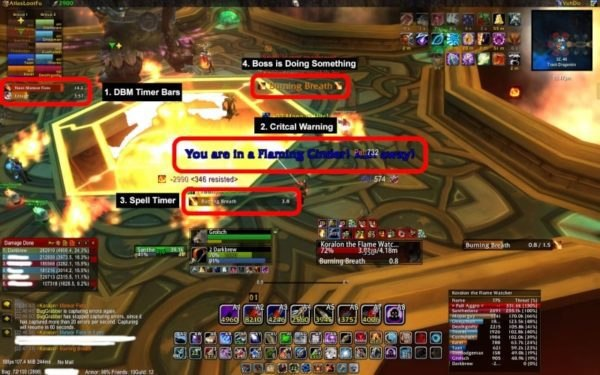
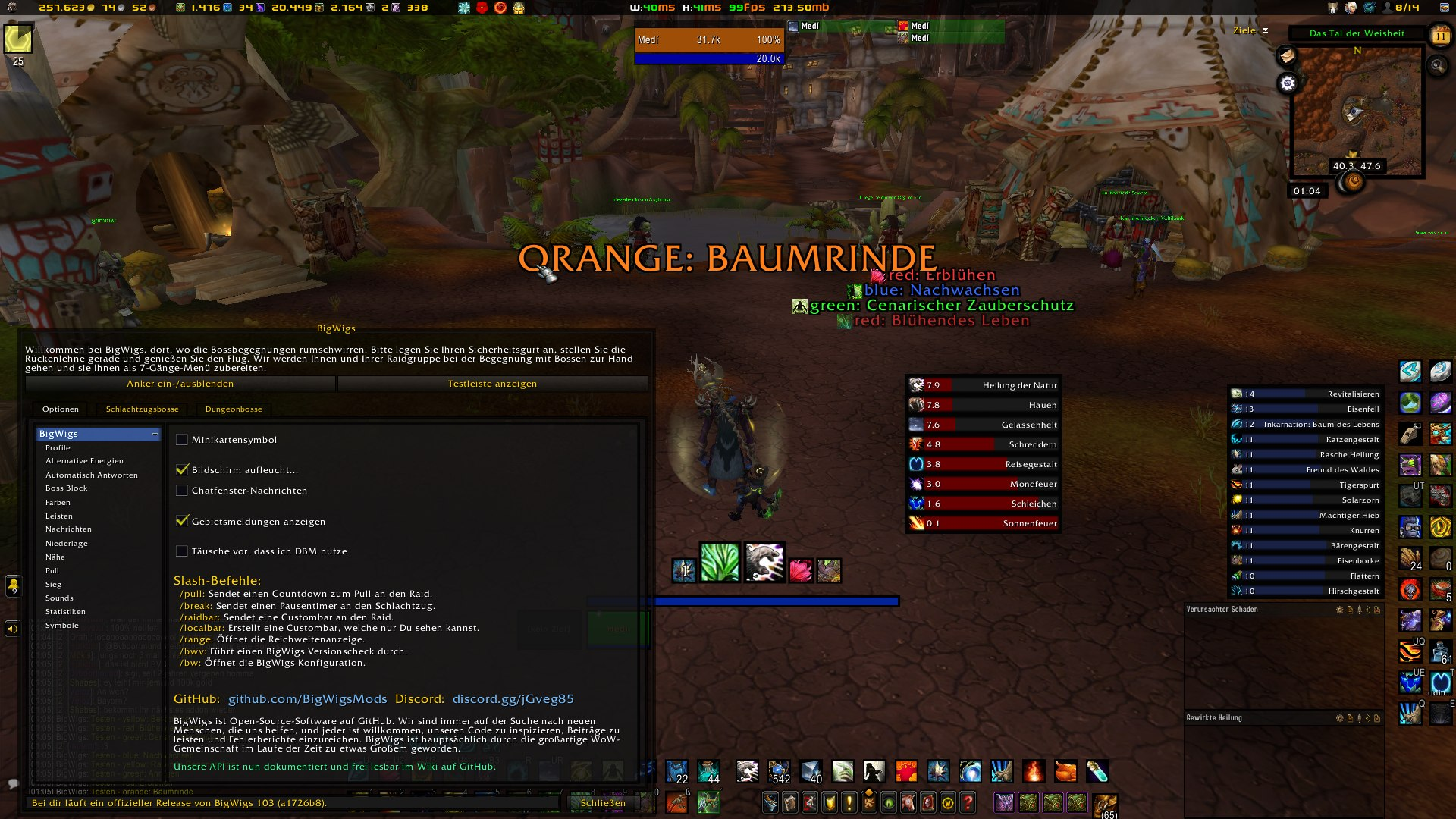
These addons provide timers and warnings for incoming mechanics, so you see what is about to happen instead of reacting after it starts. You don’t need to memorize boss abilities in advance or wipe multiple times just to understand what’s going on. Key mechanics are called out before they happen, so you have time to react.
Raid Addons
Raids are group content built around coordination. Group size ranges from 10 to 30 players, and multiple mechanics can target different players or groups at the same time.
You are expected to track more than your own rotation. Dispels, incoming damage, group positioning, and raid-wide mechanics all happen at once. In a group of 10, 20, or 26 players, you’re constantly deciding who to heal, who to dispel, where your group is, and what’s happening around you.
For mechanics, the same addons are used as in Mythic+: BigWigs and Deadly Boss Mods (DBM). They provide timers and warnings for boss abilities, so you know when mechanics happen and who they affect.
For raid frames, VuhDo replaces the default UI with a more structured layout. It shows health, debuffs, dispel targets, and group status in one place.
This removes the need to search for targets during the fight. Raid information is visible and easier to process.
PvP Addons
PvP works differently. There is no fixed rotation of mechanics like in dungeons or raids. Most decisions are based on what the enemy team is doing at that moment.
You are expected to track enemy cooldowns, your own cooldowns, buffs, debuffs, and positioning at the same time.
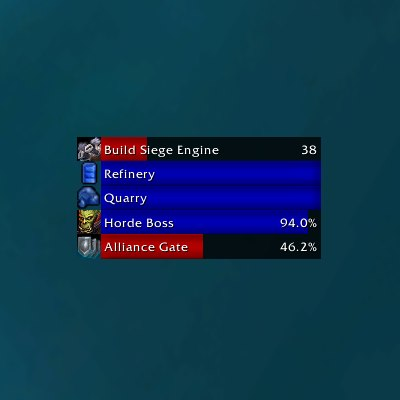
Capping is mainly used in battlegrounds. It tracks objectives and timers, and shows how the match is progressing over time. It lets you see which team will win based on current control and how much time you have to change the outcome.
WeakAuras is used for tracking specific information. With the changes in Midnight, addons can no longer process combat data the same way as before, but WeakAuras still works for tracking your own cooldowns, buffs, and custom alerts.
It is commonly used for:
- Tracking your own cooldowns and buffs
- Showing boss mechanics and timers
- Displaying custom alerts (sounds, visuals, text)
- Reacting to combat log events
- Building highly personalized UI elements
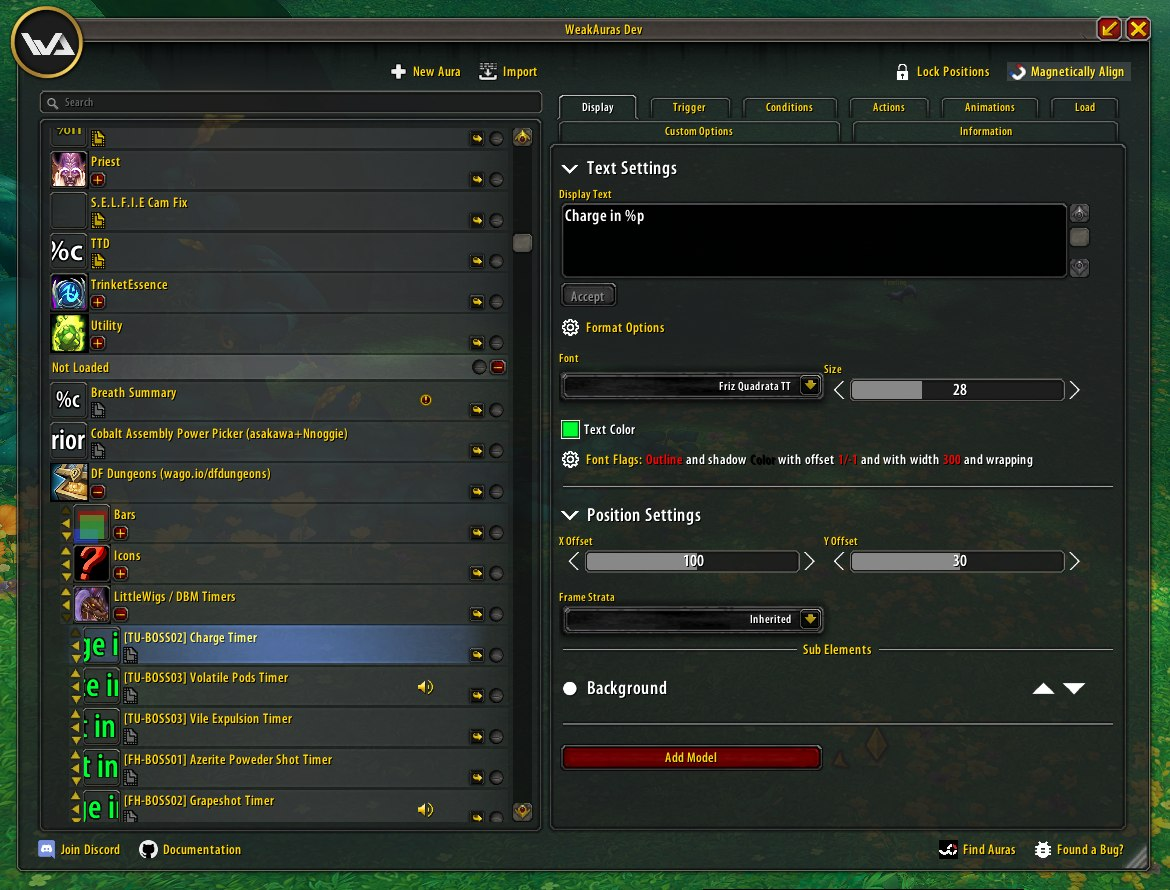
You don’t need to configure every option. A few auras focused on key abilities and cooldowns are enough for PvP content.
General Addons
Before getting into specific content like Mythic+, raids, or PvP, there are a few addons that are used across the entire game. They are not tied to one activity and cover basic things like combat tracking, navigation, economy, and UI gaps.
Details! shows what is happening in combat: damage, healing, interrupts, and more. It also breaks damage down by spell, so you can see which abilities are actually doing the work. Without it, you don’t really see how your build performs or what you’re doing in a fight.
MiniCC tracks cooldowns, interrupts, and crowd control in a compact format. If you want a more detailed breakdown, check our MiniCC article.
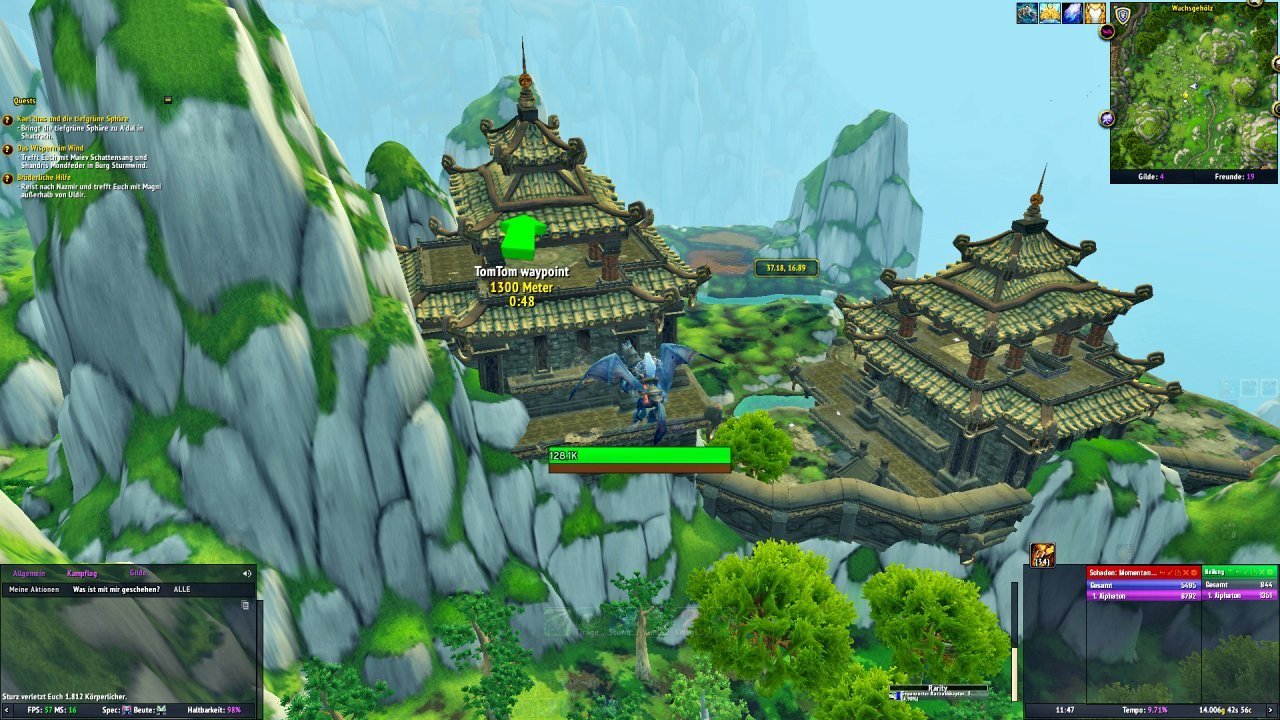
TomTom is a navigation addon built around coordinates. Most guides and external resources use coordinates, and TomTom lets you follow them directly in-game.
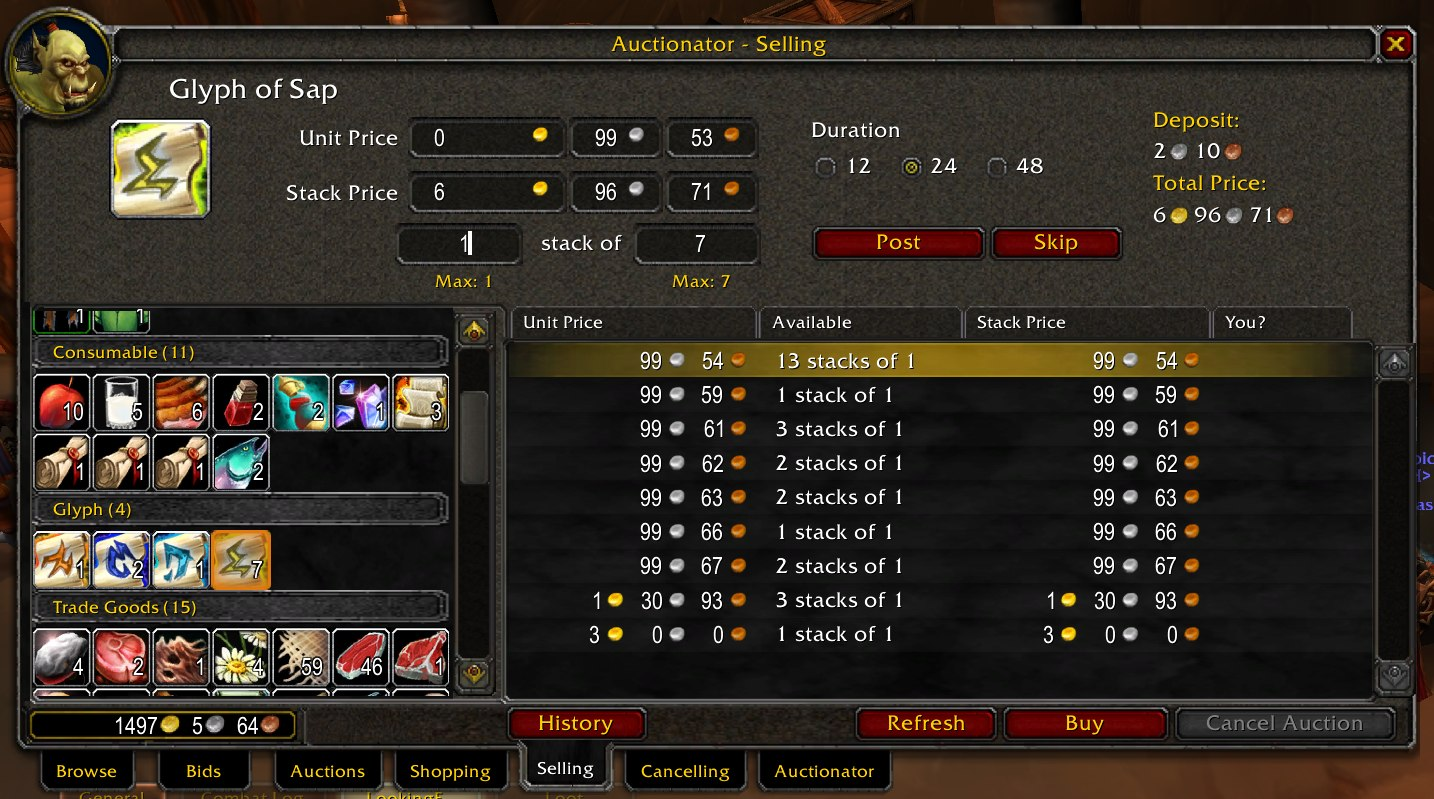
Auctionator shows auction house prices for items. Without it, you can have an item in your inventory, sell it to a vendor, and only later find out it was worth a lot on the auction house. The addon shows that value immediately, so you don’t lose gold.
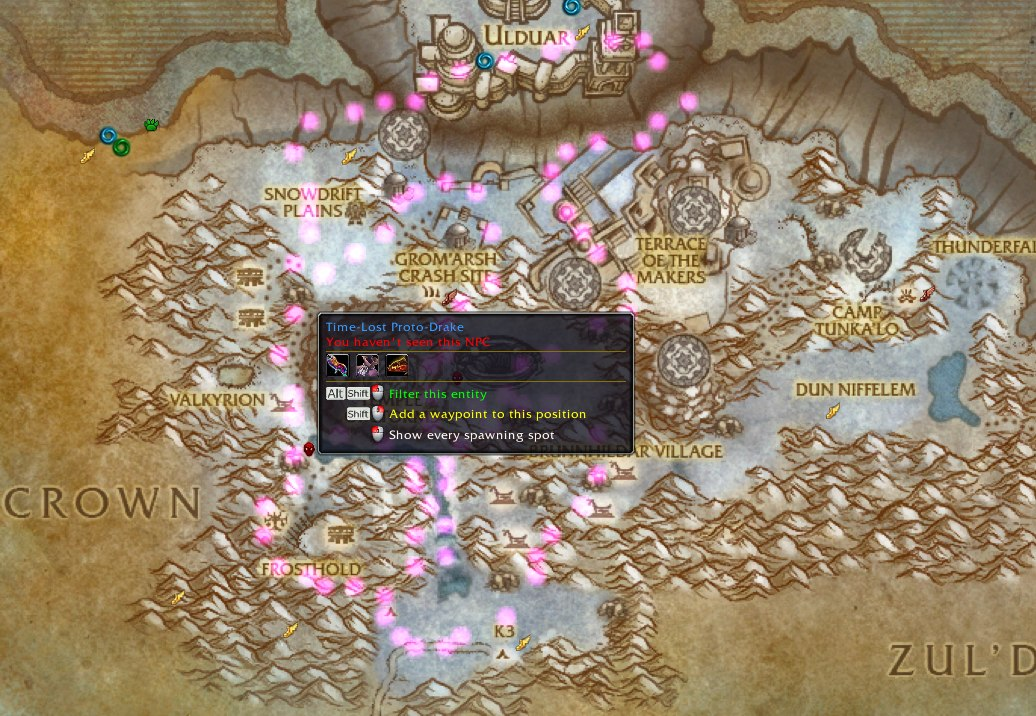
RareScanner helps with rares, treasures, and events while exploring. It alerts you when something relevant is nearby, shows loot, and whether it’s needed for any achievements.
Leatrix Plus adds small quality-of-life features such as auto-selling junk, skipping dialogues, faster looting, and general UI tweaks.
Will Addons Go Away Anytime Soon?
Addons are not going anywhere.
Midnight changes what they can do, but not why they are used. They no longer solve combat for you. They show information and leave the decision to the player.
A small setup is still enough for all types of content. Set it up once, get used to it, and the game becomes easier to read.
Not everyone wants to spend time figuring all of this out, testing addons, and adjusting setups.
If you’d rather skip that part and focus on the result, you can check our WoW Boosting Services.
We cover Mythic+, raids, PvP, achievements, mounts, and more. If needed, we can also help with addon setup and UI basics along the way.
And if you decide to set things up yourself, this guide should give you a clear starting point.
See you in Azeroth, champion!