

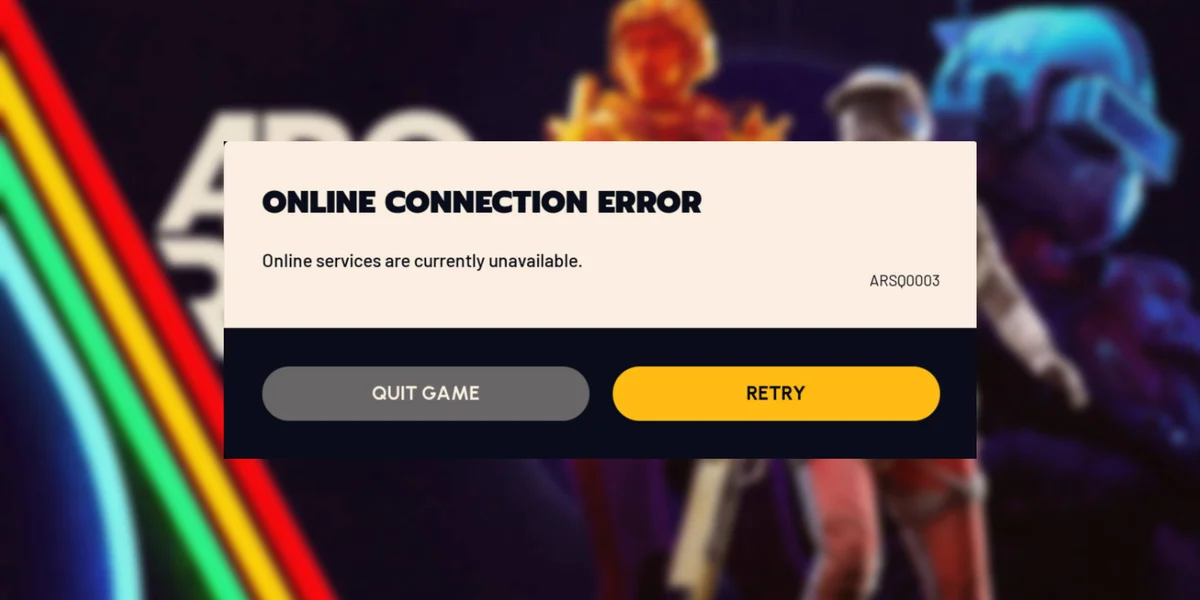

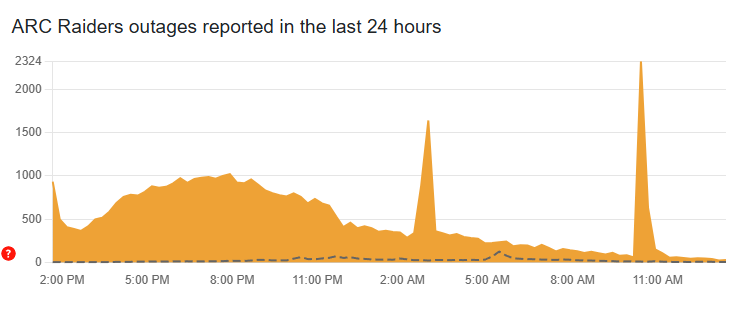
During the Christmas holiday period, ARC Raiders experienced a large-scale server outage that prevented many players from logging in, matchmaking, or staying connected to active sessions. Errors ranged from repeated network timeouts to authentication failures before reaching the main menu. Outage reports spiked globally within a short time frame, confirming that this wasn’t a local ISP issue or a problem limited to one region or platform.
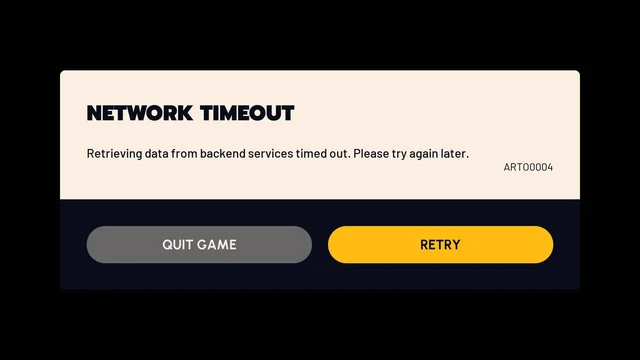
What made the situation confusing is that the outage wasn’t absolute. Some players reported brief access or successful logins while others were completely locked out, which led to speculation that the issue was “random” or account-specific. In reality, this kind of inconsistency is typical when shared backend systems are under stress rather than fully offline.
Steam Login Issues
A major contributing factor was concurrent instability on Steam. During the same window, Steam users reported login problems, offline social features, and intermittent API failures. For games like ARC Raiders that rely on Steam for authentication and session validation, this means the game servers can be online while players still can’t connect.
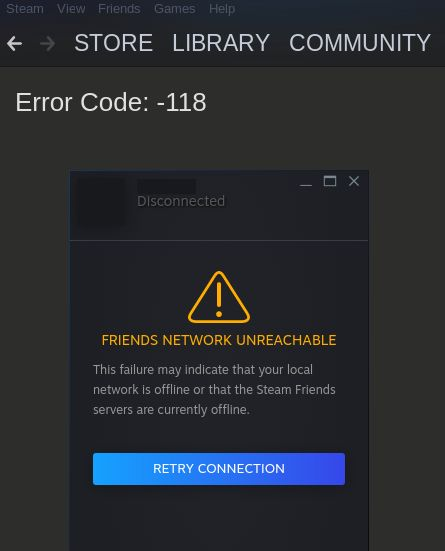
This explains why restarting the game or client sometimes worked briefly and then failed again. If Steam authentication or session handshakes degrade under load, connections become unreliable even though nothing is “broken” on the player’s PC. During peak holiday traffic, these partial outages are far more disruptive than full shutdowns because they create false hope — some users get in, others don’t.
AWS and Backend Services
Because multiple online games were affected at the same time, attention quickly shifted toward Amazon Web Services. AWS publicly denied a global outage and stated that its core services were operating normally. That statement is consistent with what players experienced: not a clean outage, but erratic access.
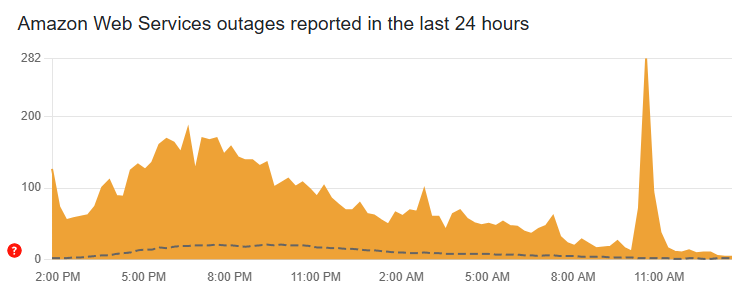
The more likely failure point sits in shared backend layers such as Epic Online Services, authentication gateways, anti-cheat initialization, DNS resolution, or network routing under extreme load. These systems sit between the player and the game servers. When they struggle, the result is exactly what ARC Raiders players saw — inconsistent access, long waits, and seemingly random success for a small portion of the player base.
Why Some Players Can Still Play
This is the question everyone asks during outages, and the answer is uncomfortable but simple: access is not distributed evenly.
Players who were already logged in before certain backend services degraded often stayed connected. Others who retried during brief recovery windows slipped through authentication queues successfully. Region, timing, cached sessions, and sheer luck all play a role. This doesn’t mean the servers are “fine” — it means the failure is happening at a gatekeeping layer that doesn’t affect all connections at the same moment.
That’s also why spamming reconnects sometimes works and sometimes makes things worse by pushing you back into overloaded queues.
What Players Can Do
During outages like this, most “fixes” floating around are ineffective. However, there are a few actions that can realistically improve your chances:
First, avoid rapid reconnect loops. Constant restarts often reset your position in authentication or matchmaking queues. If servers are unstable, fewer attempts spaced over time have a better chance of landing during recovery windows.
Second, restart Steam completely, not just the game. A fresh Steam session can resolve expired authentication tokens that block ARC Raiders from completing login handshakes.
Third, check official status channels before troubleshooting your setup. If backend services are degraded, changing DNS, reinstalling the game, or tweaking firewall rules won’t help and just wastes time.
When outages drag on, one realistic option is to simply stop fighting unstable servers altogether. If you have specific ARC Raiders goals — farming gear, completing progression steps, or catching up after missed playtime — our ARC Raiders boosting services let you step away while the technical side settles.
| Servers are back. If the downtime put you behind, code LUBLOG10 saves 10% on catching up. |
Closing Thoughts
The ARC Raiders outage wasn’t caused by one mistake or one company. It was the result of modern live-service infrastructure under extreme holiday load, with multiple interdependent systems failing in ways that produced inconsistent access rather than a clean shutdown. That inconsistency is what makes these outages feel especially frustrating — and what leads to so much misinformation during them.
Once servers are stable again, you come back to completed progress instead of half-finished sessions and wasted hours spent retrying logins during downtime.
FAQ
Outages in ARC Raiders are often partial rather than total. That means some backend services (like authentication or matchmaking) may be unstable even if the game appears online. If you can’t log in while others can, it usually indicates a degraded service layer rather than full server downtime. You can also check real-time player reports and outage spikes on Downdetector.
Access isn’t evenly distributed. Players already logged in before services degraded may stay connected, while others get blocked at authentication. Timing, region, cached sessions, and queue behavior all affect who gets through. This doesn’t mean the servers are “fine” — it means the failure is inconsistent.
Not directly. Amazon Web Services denied a global outage during the incident. Problems like this usually come from shared systems around cloud infrastructure — authentication gateways, routing, or third-party backend services — rather than AWS itself being offline.